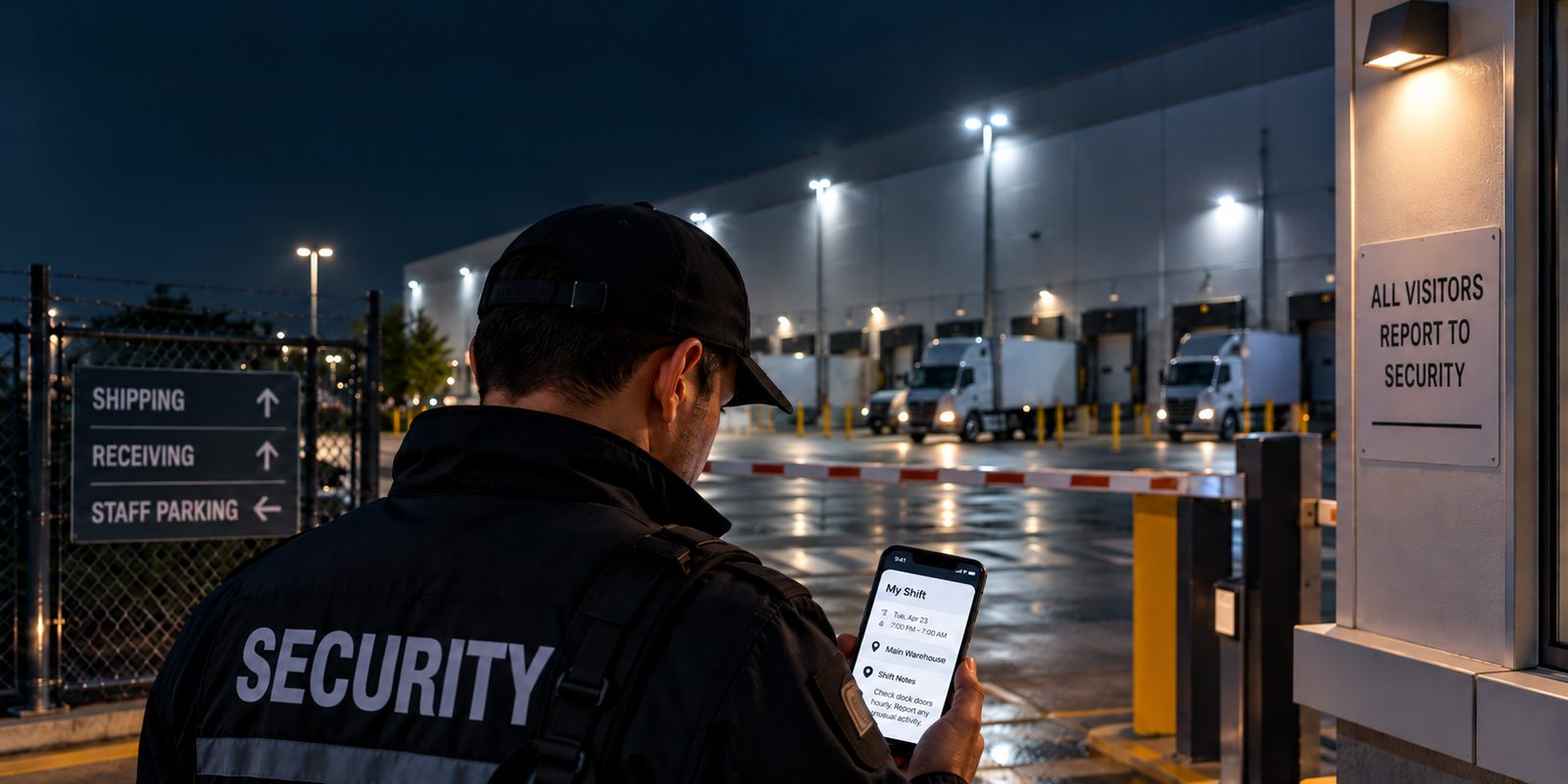
It is 10:40 PM. The officer scheduled for the overnight shift at a distribution center has called off. Your supervisor finds a replacement, and by 11:15 an officer who has never set foot on the site is standing at the gate.
The regular guard knows that the east gate sticks, that the night manager leaves at midnight, and that early trucks for Dock 4 have to wait outside the fence. The replacement knows none of it. The only thing standing between that officer and a mistake is the post orders.
That is the real job of post orders. The regular guard has the site memorized and rarely opens them. The people who actually depend on them are the fill-in guard, the new hire, the supervisor covering a sick call, and the officer borrowed from another account. Most post orders were never written with those people in mind.
This guide is about writing post orders for that person, and about keeping them true after they are written.
Free template: a 4-page Word file with a blank shift-order post order template, the Stranger Test checklist, and a filled-in example. Works in Microsoft Word and Google Docs.
What are security post orders?
Security post orders are the written, site-specific instructions for one security post: where the officer stands or patrols, what they must do and when, how they respond to specific situations, who they call, and what they are not allowed to do. They are usually agreed with the client and describe the service the client is paying for.
Post orders are often mixed up with three other documents:
- Company policy and SOPs describe how your company works everywhere: uniform, use of force, reporting standards. Post orders apply those rules to one specific post.
- Pass-on notes describe what changed since the last shift. They are temporary. (See our guide to shift handover and pass-on notes.)
- Daily activity reports and the site log record what actually happened. (See how to write a daily activity report.)
A simple rule: if it will still be true next week, it belongs in the post orders. If it is only true tonight, it belongs in the pass-on notes.
What happens when someone checks post orders against reality
Most advice on post orders stops at which sections to include. It is more useful to look at what auditors find when they compare written post orders with what officers actually do at the post.
In 2016, the U.S. Department of State's Office of Inspector General audited contract guard forces at critical- and high-threat posts overseas (report AUD-SI-16-33). On average, guards followed more than 90 percent of the security-related post orders the auditors observed. The problems they did find will be familiar to almost any security company:
- Orders that could not be followed from where the guard was posted. One guard was told to keep constant watch on CCTV while stationed outside with no access to the monitors. Another, in a booth, was told to inspect items in a screening area he could not reach.
- Orders that contradicted each other, or asked one guard to do two things at once, such as watching a line while also collecting IDs.
- Orders assembled by copying and pasting from other posts. The auditors named this as the explanation for the inaccuracies.
- Duties that changed during the year while the post orders were revised only once a year, so the written orders stopped matching the job.
- Guards who were not fully aware of the procedures, with refresher training only once a year.
Commercial security shows the same patterns. In a Loss Prevention Magazine article, one security executive said that three accounts his firm took over within six months all had outdated post orders. A consultant described a contract where about 30 percent of the services were "value-added" extras that had quietly become core duties without being written down. And an expert witness said the first thing he asks for after an incident is the post orders.
The lesson: post orders rarely fail because a section is missing. They fail because they drift away from what the post really looks like, and nobody notices until a fill-in guard, a client audit, or a lawsuit tests them.
The Stranger Test: seven questions every post order must answer
Hand your post orders to a competent officer who has never been to the site. If they can answer all seven questions from the page alone, without phoning anyone, the post orders pass.
- Can I find my post and get in? The address, which entrance to use, where to park, where the keys, fob, or radio are kept, and how to reach the post. A photo of the entrance saves a lot of phone calls.
- Who do I call, and in what order? Named roles with numbers: supervisor, client night contact, after-hours maintenance, alarm company, police non-emergency. Include what to do if nobody answers.
- What must I do in the first 15 minutes? Read the pass-on notes, check equipment, confirm which doors should be locked, and start the first patrol.
- What is on the clock? Every timed duty, with a time: lock the east gate at 11:00 PM, patrol at 15 minutes past every second hour, let the cleaning crew in at 5:30 AM.
- What do I do when it happens? The five to eight situations that actually come up at this site, written as "if this, then do that."
- What am I not allowed to do? The limits of the officer's authority. For example: no physical intervention, do not sign for deliveries, nobody enters through Dock 4 even if they say they are staff.
- How do I prove I did it? What gets logged, scanned, or photographed, and where.
Question 6 is the one most often left out. The regular guard learns the limits by experience. A stranger does not have that experience, and an officer who does too much can create as much liability as one who does too little.
Write post orders in shift order, not filing-cabinet order
Most templates organize post orders by category: post description, duties, patrols, emergencies, reporting, access control, special instructions. That is tidy for the person who writes them. It is awkward for the person who reads them, because nobody lives a shift by category. A guard lives it in order: arrive, take over, settle in, work the timeline, handle what comes up, hand over, leave.
So write the post orders in that order:
- Before you arrive: address, entrance, parking, uniform or equipment specific to this post.
- Arrival and handover: where to meet the outgoing officer, what to collect, what to check in the pass-on notes.
- First 15 minutes: the checks that set up the shift.
- On the clock: every timed duty in time order, from start to finish.
- If this happens: the site's real scenarios, as if/then steps.
- Limits of authority: what the officer must not do.
- Contacts, in order: named roles with phone numbers, and what to do if nobody answers.
- End of shift: what to log, what to hand over, what to lock or return.
This has three benefits. A fill-in guard can read it once, top to bottom, and know how the night goes. Gaps become obvious: if nothing is scheduled between 1 AM and 5 AM, is that really true? And the timeline lines up with your patrol schedule and checkpoints, so you can check the written duties against the scan record.
Turn vague duties into duties you can check
A good test for every line: could a supervisor tell from the log whether it was done? If not, rewrite it.
- Instead of "Monitor the lobby," write "Stay at the lobby desk from 7 AM to 3 PM except during patrols. Every visitor signs in and shows photo ID. Call the tenant before issuing a visitor pass."
- Instead of "Conduct regular patrols," write "Patrol the perimeter at 11:15 PM, 1:15 AM, 3:15 AM, and 5:15 AM. Scan all six checkpoints. If a round starts more than 20 minutes late, log the reason."
- Instead of "Report suspicious activity," write "If anyone is on site after 11 PM without a badge, do not approach. Observe from the guard house, call police non-emergency, then your supervisor. Log the time, a description, and the direction they went."
- Instead of "Ensure the building is secure," write "At 11 PM, test doors E1 to E4 and the Dock 4 roll-up door. If one will not lock, stay within sight of it and call after-hours maintenance."
- Instead of "Be professional with staff," delete it. That belongs in company policy, not in the orders for one post.
Walk the post with the orders in your hand
The audit findings above all have one cause: nobody stood at the post and checked the orders against it. Before a post order goes live, have a supervisor go to the post at the time of the shift and read it line by line.
- From where the officer is posted, can they see everything they are told to watch?
- Are two duties scheduled at the same time in different places?
- Do the phone numbers actually get answered at 3 AM?
- Do the keys, fobs, and codes in the orders still work?
- If the orders were copied from another site, does anything still refer to the old site?
- Is the site different at night? Different lighting, different doors locked, different people around.
Copy-and-paste post order template (shift order)
Copy the outline below, or download the fillable Word version with ruled tables for every section.
Post: [Site name — post name] | Hours: [Start–end] | Last walked: [Date, by whom]
1. Before you arrive
Address and entrance to use: [ ] · Parking: [ ] · Post-specific equipment or uniform: [ ]
2. Arrival and handover
Meet the outgoing officer at: [ ] · Collect: [keys / radio / phone / fob] · Read pass-on notes and confirm open items.
3. First 15 minutes
[Equipment check] · [Doors or gates to confirm] · [First patrol or first scan]
4. On the clock
[Time] — [Duty, where, and how it is recorded]
[Time] — [Duty, where, and how it is recorded]
5. If this happens
If [situation], then [step 1], [step 2], call [role and number], log [what].
6. You must not
[Limit of authority] · [Limit of authority]
7. Contacts, in order
1. [Supervisor — number] · 2. [Client contact — number, hours] · 3. [After-hours maintenance] · 4. [Alarm company] · Emergency: 911
If nobody answers: [ ]
8. End of shift
Log: [ ] · Pass-on notes for: [ ] · Return or lock: [ ]
Example: an overnight loading-dock post
Here is the template filled in for a fictional site, to show the level of detail that passes the Stranger Test. The full version, including the first 15 minutes, is on page 4 of the Word template.
Post: Northgate Distribution Centre — Dock Gate (Overnight) | Hours: 10:00 PM–6:00 AM | Last walked: Oct 2, by night supervisor
Before you arrive: Use the north truck entrance, not the office entrance (locked after 6 PM). Park in the marked guard bay beside the gate house. Hi-vis vest required in the yard.
Arrival and handover: Relieve the evening officer inside the gate house. Collect the gate-house key, radio, and yard keys from the lockbox (code from your supervisor). Read pass-on notes. Ask about any trailers expected before 6 AM.
On the clock:
10:15 PM — Yard patrol, scan checkpoints 1–6.
11:00 PM — Lock the east pedestrian gate (it sticks: lift the handle while turning the key). Test doors E1–E4.
12:00 AM — Night manager leaves. Confirm the office wing is locked and log it.
Every 2 hours from 12:15 AM — Yard patrol, scan checkpoints 1–6.
5:30 AM — Let the cleaning crew in through the office entrance. Check names against the crew list in the gate house.
If a truck arrives before 5 AM: Do not open the gate. Ask the driver to wait in the outside staging lane. Record the carrier, trailer number, and time. Call the receiving lead only if the driver says the load is temperature-controlled.
You must not: sign for deliveries, move trailers, or let anyone through the dock doors, including staff who have forgotten their badge. Send them to the office entrance and call the night contact.
Contacts, in order: 1. Night supervisor (555-0142, 24/7) · 2. Receiving lead (555-0188, until midnight) · 3. After-hours maintenance (555-0199, 24/7) · Emergency: 911. If the supervisor does not answer within 10 minutes, call the 24/7 dispatch line.
End of shift: Hand over the gate-house key, radio, and yard keys to the day officer at 6:00 AM. Log any early truck arrivals and open issues in the pass-on notes.
Keep post orders true: where to find drift in your own records
Reviewing post orders on a calendar, once a year or once a quarter, is a good habit. But the audit above shows that annual reviews alone are not enough when duties change during the year. The better approach is to watch for signs of drift in records you already have:
- The same instruction keeps appearing in pass-on notes. If officers have been passing the same note to each other for a week, it is no longer temporary. Move it into the post orders.
- Daily activity reports describe routine tasks that are not in the orders. This is how "value-added" extras turn into unwritten duties. Either write the task into the post orders or raise it with the client, and possibly price it.
- Officers keep calling the supervisor with the same question. The post orders do not answer it. Your supervisor's phone is often the best post order editor you have.
- An incident report says the officer "was not aware." Fix the post orders before the next shift, not at the next scheduled review.
- You take over an account. Assume the inherited post orders are out of date. Walk every post in the first two weeks.
- The client changes something: opening hours, building layout, contacts, vendors, or access codes.
Add a "Last walked" line at the top of every post order, with a date and a name. It costs nothing, and it tells everyone, including a client or an auditor, how current the orders are.
Before the holiday rush
Retail, warehouse, logistics, and event posts often grow in November and December, which is exactly when the most new and fill-in officers work posts they have never seen. A short checklist for the season:
- Run the Stranger Test on every post that will use seasonal or fill-in staff.
- Add peak-season instructions as a separate, dated section with an end date, so they do not linger into January.
- Confirm after-hours contacts for holiday closures. The usual night contact may be on vacation.
- Walk any post where the client has added extra doors, trailers, or temporary storage for the season.
How ShiftsGo helps keep post orders where they belong
Post orders are most useful when they live next to the post they describe, not in a binder in the gate house or a folder on someone's drive.
- Each post has its own post orders. In ShiftsGo, post orders are written and edited on the post itself in the Sentinel console, so a site with three posts has three sets of instructions, not one shared document.
- Empty post orders do not get copied. When you copy a site's setup to a new site, posts with missing post orders are flagged and left out until they are filled in, so a new site cannot inherit a post with no instructions.
- Push one post's setup to a similar post, with a preview. For clients with many similar sites, you can apply one post's setup, including its post orders, to another post and see the current and new values before you confirm. Then walk the post anyway, because copied orders are where the audit found the mistakes.
- Post orders travel with the schedule. When you build a recurring schedule from a post, its post orders are pulled into the shift's operational notes, which officers see on the shift details screen in the ShiftsGo Staff app.
- The records that reveal drift are in one place. Pass-on notes, the site log book, daily activity reports, incidents, and checkpoint scans all sit on the same site and post, so the drift signals above are easy to spot.
- Missed shifts are flagged sooner, which gives supervisors more time to find and brief a replacement before the post is uncovered.
See all ShiftsGo features, or read how we approach coverage gaps in security operations.
Frequently asked questions
How long should security post orders be?
Long enough to pass the Stranger Test and no longer. If an officer cannot read them in the first ten minutes of a shift, they are too long. Move company-wide policy out into your SOPs and keep only what is specific to this post.
Who writes post orders?
Usually the security company drafts them after walking the site with the client, and the client reviews and approves them. After that, one person, normally the site or account supervisor, should own keeping them current.
How often should post orders be updated?
Review them on a fixed schedule, and also whenever something changes: a new client request, an incident, a layout or contact change, or an account takeover. A fixed schedule alone lets the orders drift between reviews.
What is the difference between post orders and SOPs?
SOPs describe how your company works at every site. Post orders describe what one officer does at one post. Post orders can refer to SOPs, but they should not repeat them.
Final thought
Post orders are not written for the officer who has worked the post for two years. They are written for the one who arrives at 11:15 PM because someone called off. If that officer can run the post safely from the page alone, your post orders are doing their job, and you will have a document that holds up when a client, an auditor, or a court asks to see it.