Your whole shift, now in your pocket.
ShiftsGo Staff is live on Google Play. Guards can clock in with GPS, run patrol routes, log incidents on the spot, view schedules, and keep shift notes in one focused Android app.
- Now live
- Google Play listing
- Android
- Built for field staff
- GPS + QR/NFC
- Patrol-ready workflows
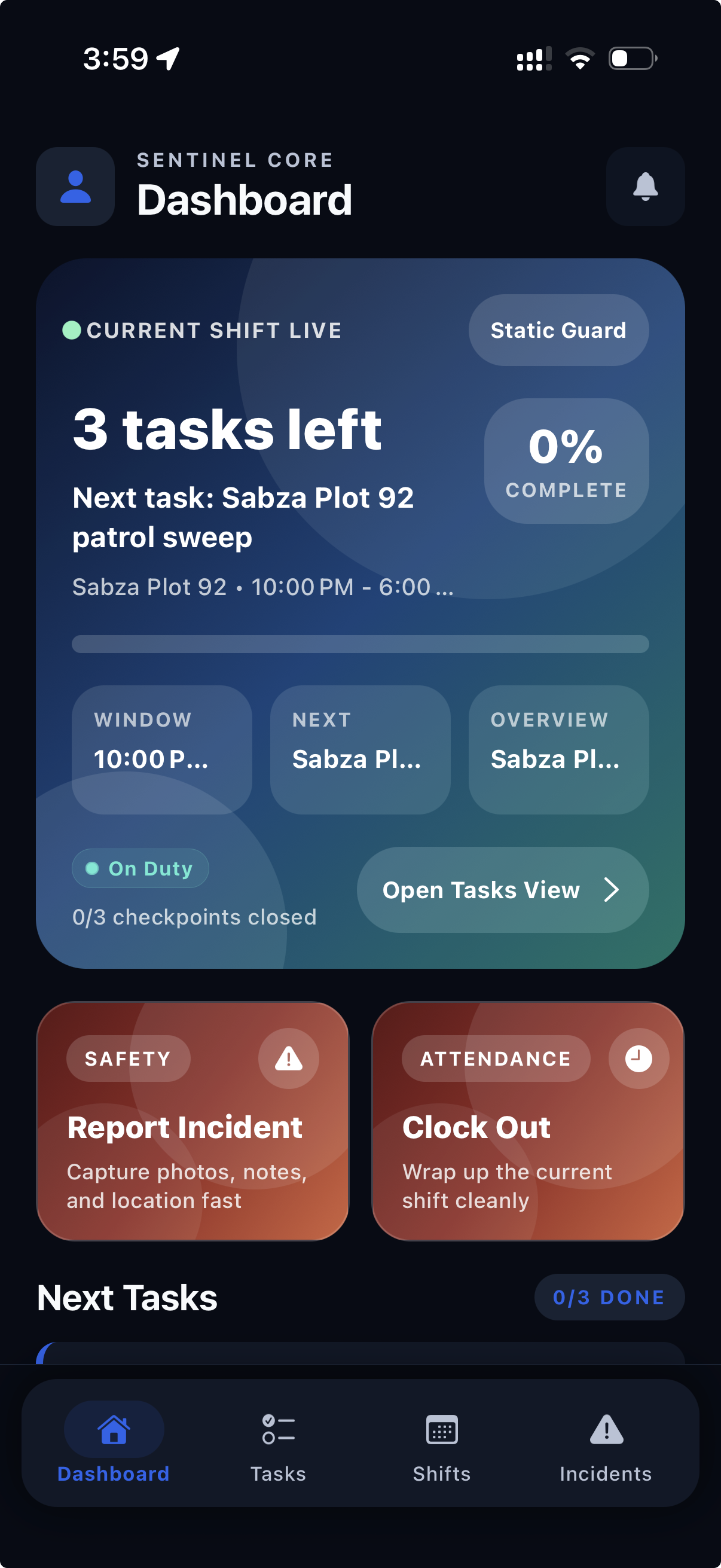
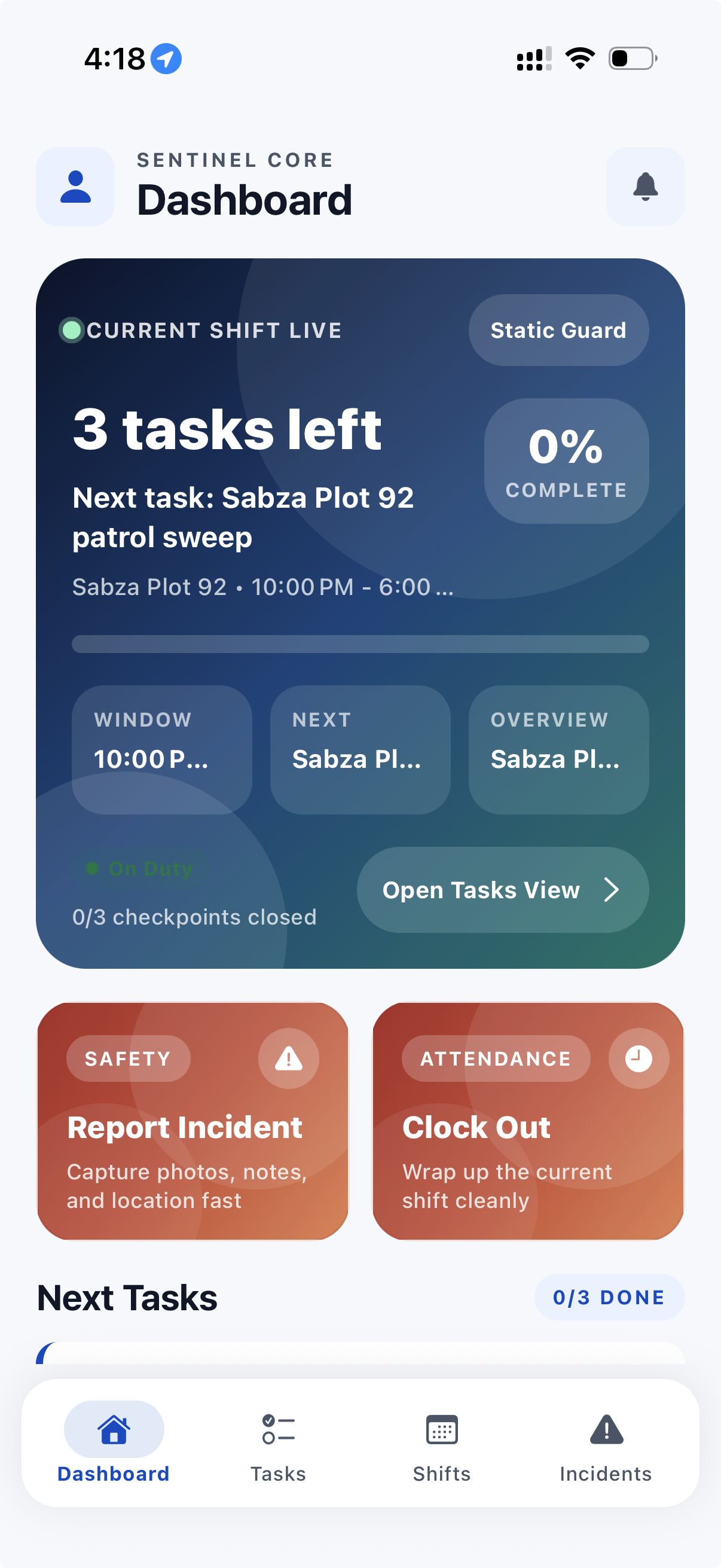
Dark & light mode
Easy on the eyes, on the night shift or the day one
ShiftsGo Staff follows the work. Deep, low-glare screens for a 4am perimeter walk; crisp light screens for a bright afternoon gate.
ShiftsGo Newsroom · July 8, 2026 · 3 min read
Everything a guard needs on shift, without the clipboard.
Until now, ShiftsGo mostly lived in the control room. ShiftsGo Staff brings the shift to the post: live assignment details, patrol routes, incident reporting, clock-in, and log entries on one field-ready command surface.
The goal is simple: make the guard workflow faster while keeping the proof that supervisors and clients need. Every shift action can become part of the same operational record instead of being split between paper notes, phone calls, and delayed reports.
What's in the app
Made for the perimeter, not the desk
Clock in and out, verified
Guards can start and end shifts from the app while ShiftsGo keeps attendance tied to the site and shift record.
Live patrol tracking
Patrol routes, checkpoint scans, and current shift progress stay visible without waiting for end-of-shift paperwork.
Incident reporting
Field staff can document incidents from the post while details are fresh and operational context is still available.
Your schedule
Upcoming shifts and assignment details stay on the phone, so guards can check what is next without calling dispatch.
Log entries and handover
Notes, observations, and handover context can be captured during the shift instead of reconstructed later.
Live shift status
The mobile workflow keeps the current shift state clear: on duty, open tasks, checkpoint progress, and next actions.
Get set up in minutes
Three steps to your first shift
Install from Google Play
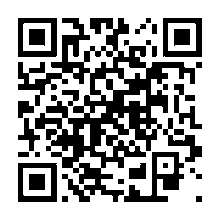
Search for ShiftsGo Staff or scan the code above to open the Android listing.
Sign in with email
Use the email your manager has on file. A one-time code logs you in without another password to remember.
Clock in on site
Your shift is already there. Arrive on site, tap clock-in, and keep the shift record moving.

Download ShiftsGo Staff today
Give field staff the mobile workflow that connects clock-ins, patrol proof, incidents, schedules, and live status back to ShiftsGo.